
When your WooCommerce store is connected to ShipTime and Real-Time Rates are enabled, you can choose which carrier services are displayed to customers at checkout.
This gives you more control over the shipping options your customers can select.
Choose your preferred carrier services
- Log in to your ShipTime account.
- Go to Integrations > My Integrations.
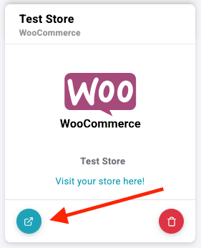
- Find your WooCommerce store and select Manage Store.
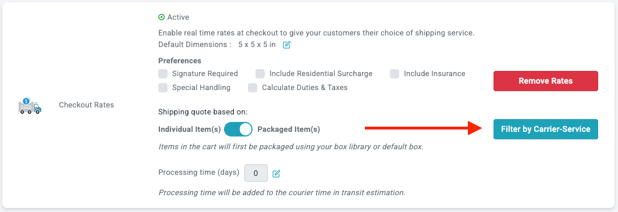
- In the Checkout Rates section, select Filter by Carrier-Service.
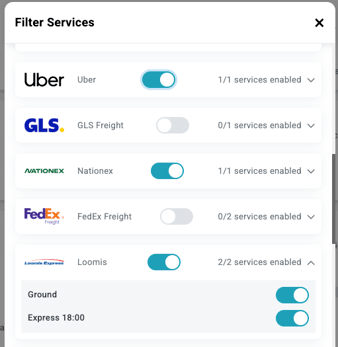
- Review the available carriers and services.
- Toggle on the services you want to display to your WooCommerce customers.
- Close the window when you are finished.
When Real-Time Rates are enabled, customers at checkout will see only the carrier services you selected.
Need help?
If you have trouble setting carrier preferences or displaying Real-Time Rates in WooCommerce, contact our Technical Support team at techsupport@shiptime.com.
Not using ShipTime yet? Create your free ShipTime account to access discounted rates from leading couriers, all in one platform.