
You can view cancelled shipments from your shipment history using the advanced search filters in ShipTime.
How to view cancelled shipments
- Log in to your ShipTime account.
- From the left-hand menu, select History & Tracking.
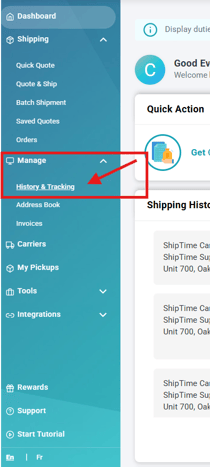
- Select Advanced to display additional search options.

- Select the Cancelled filter.
- Click Search.

ShipTime will display the cancelled shipments that match your search criteria.
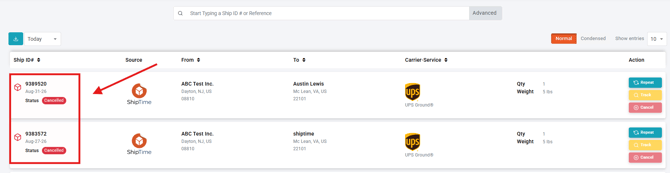
Can I review the details of a cancelled shipment?
Yes. Once the cancelled shipments appear in your search results, you can open the applicable shipment to review its available details and history.
If you have questions about a cancelled shipment, contact our Heroic Support™ team.